Emberveil

Early access

Emberveil

A map of everywhere you've actually been.

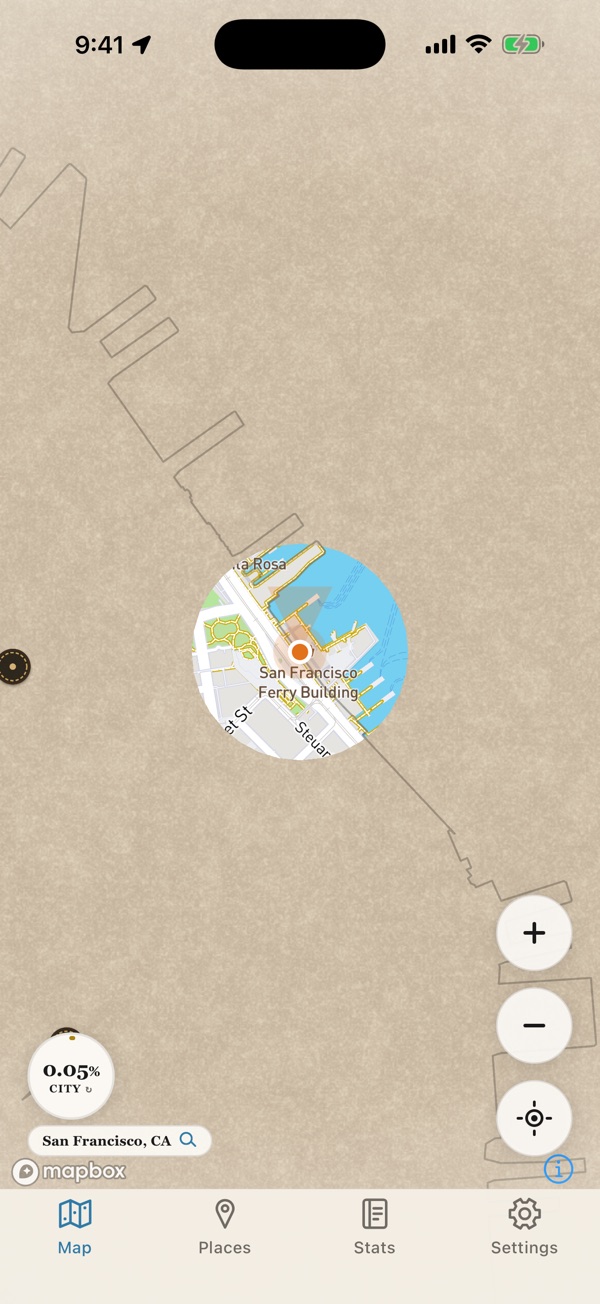
The whole world starts covered. As you walk, drive and travel, Emberveil clears the map around you, and it stays cleared. Give it a few weeks and you'll have a map nobody else could have made.

Coming soon to the App Store for iPhone.
Coming to Android in April 2027.

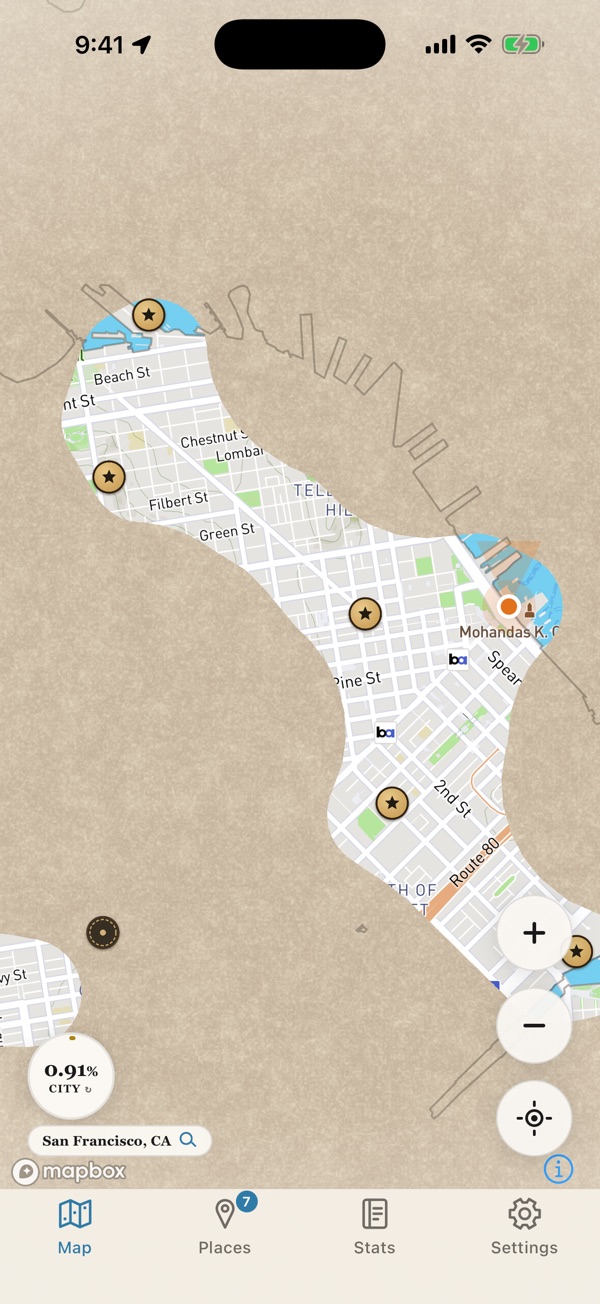
The Emberveil map: cream parchment covers everything except the streets the phone has travelled, which show the real map underneath.
Map © Mapbox © OpenStreetMap

A note from me

Hey,

My name is Edwin, and Emberveil is the first app I've ever built. I'm not a professional developer and there's no studio behind it. It's just me, learning as I go and testing every change on my own walks and drives.

Here's the idea. Emberveil covers the entire world in parchment, and the only way to uncover it is to actually go there. Every street you walk and every road you drive is revealed for good, so over time you end up with a real map of your own life. You can also let it read the locations saved in your photos, and it will uncover the places you've already been, going back years.

Your data is yours. Everything Emberveil records, including your location history and your map, is stored locally on your device. I don't collect it, there's no server for it to be sent to, and there's no account to sign into. I can't see where you've been, and neither can anyone else.

This is an early access version, and it isn't finished. You'll probably run into rough edges, things will keep changing, and there's a long list of features I haven't gotten to yet. More updates are on the way.

If something breaks, looks off, or you have an idea, email me at contact@emberveil.app. Hearing from early users is the most useful thing I can get right now.

Thanks for stopping by. I hope you'll give it a try when it's out.

Edwin
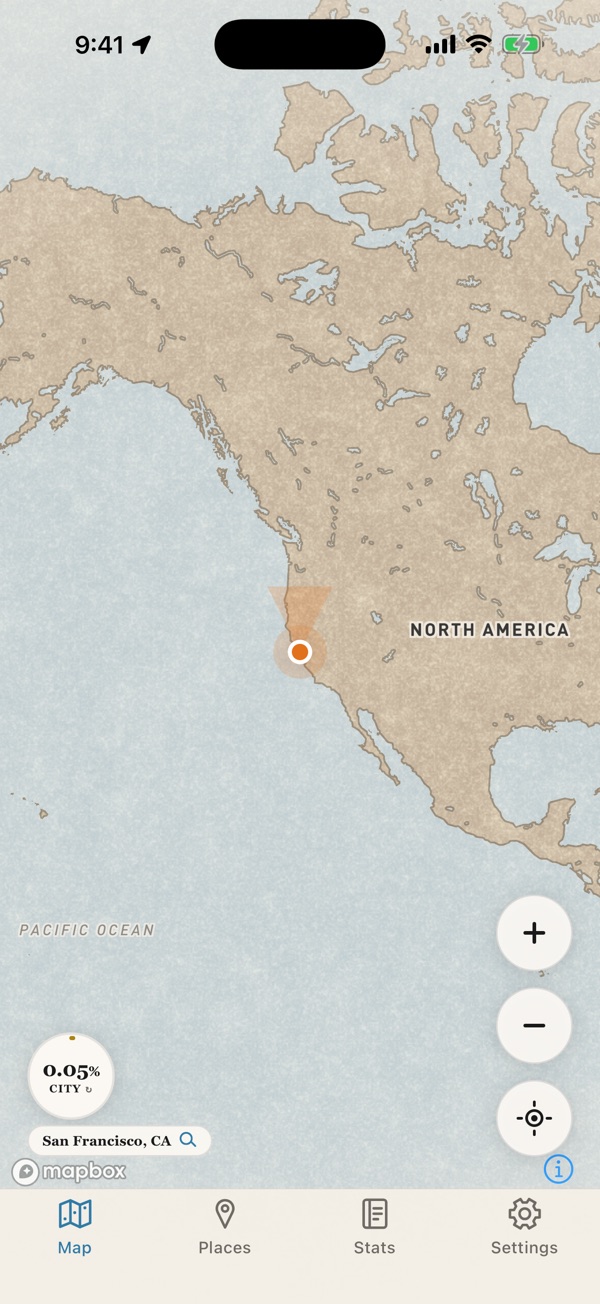
How a map starts

Real screenshots from the current build, taken in the iPhone simulator in San Francisco.

Maps in these screenshots © Mapbox © OpenStreetMap

How it works

  1. Go about your day

    Emberveil follows along while you walk, cycle or drive, with your phone in your pocket and the screen off.

  2. The map clears as you move

    Streets you've been down open up and stay open. Nothing expires and nothing resets.

  3. Bring your past with you

    Your photos remember where they were taken. Let Emberveil read those locations and past trips show up on the map straight away.

What's inside

Everything below is in the app today. The numbers are counted straight from the map data Emberveil ships with.

  • 138,099 cities in 208 countries, each with its real border and its own completion ring
  • 242 countries and territories you can fill in, plus one ring for the whole world
  • 7,209 hidden landmarks waiting under the parchment
  • 3,701 cities across 163 countries with at least one landmark to find
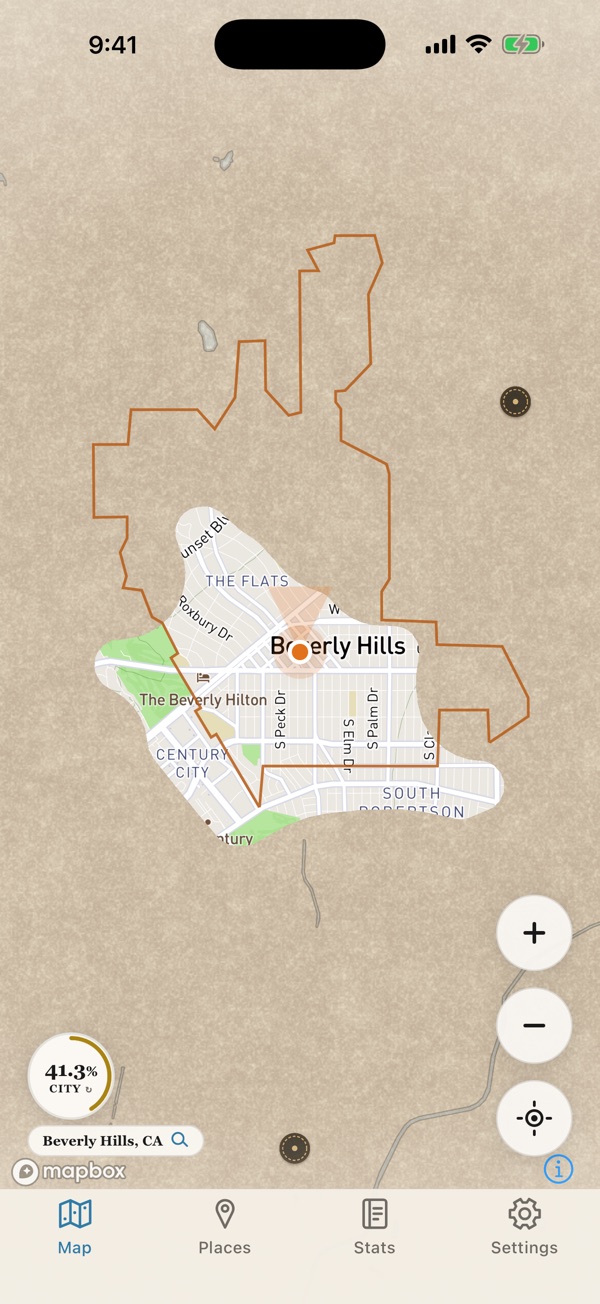
Beverly Hills on the Emberveil map: an ember-coloured line traces the city border, the streets walked and driven show the real map, and the ring in the corner reads 41%.

Every city has a border, and a number

Walk into a city and Emberveil traces its official border on the map in ember, with a ring in the corner showing how much of it you've explored. Tap the ring to switch to the country you're in, then the whole world.

It works out which city you're in by itself. You can also search any of the 138,099 cities and see how far along you are.

Pictured: a few walks and one drive through Beverly Hills, 41% explored. Map © Mapbox © OpenStreetMap

Records in your pocket

Walks, rides and drives fill in with the screen off. Even if you swipe the app away, iOS starts it again once you leave the area.

Your photos remember where you've been

Let Emberveil read the locations saved in your photos and videos, and trips from years ago appear on the map, with pins you can tap to open them full screen.

Landmarks hidden in the fog

Thousands of real landmarks sit under the parchment. Stop at one on foot for two minutes and it's yours. The Places tab shows what's near you and everything you've found.

Stats worth sharing

How much ground you've uncovered, how far you've travelled, the countries and continents you've been to, and the furthest north, south, east and west you've ever gone.

Bring your Google history

Export your Timeline from Google Maps and hand Emberveil the file. Years of places you've been appear on the map at once.

Mark it, then go there

Long-press anywhere to drop a marker of your own, or to get directions there in Apple Maps or Google Maps.

Back up your whole map

Save everything to a single file you keep, and restore it on a new phone. No account needed.

Your map stays on your phone

Where you've been is about the most personal thing your phone knows, so Emberveil doesn't collect it. There's no account, no sign-up and no analytics. Your map is saved on your device, and never on a server of mine. I can't see it, and neither can anyone else.

You can back the whole map up to a single file that you keep, and restore it on a new phone.

Read the privacy policy